MY CRAFT
Online Book of Shadows
A private journal for the work you do in the dark.

My Craft is your private journal, but it doesn't exist in isolation. Every entry can be linked to a deity in your Deity Journal, a working from the Spell Builder, or an ingredient in your Apothecary, building a connected record of your practice over time. The lunar phase and planetary hour are logged automatically on every entry, so you can look back and see the celestial context of your workings.
Shadow Work entries are kept in a separate, contained section: stored only on your device, never synced, never visible in the main journal view. For everything else, your grimoire entries connect outward to the Daily Pulse, the Codex, and The Vault correspondence tables, so when you record a working, the symbolic language behind every element is always close at hand.
What's Inside
Grimoire Entries
Write entries of any type: rituals, reflections, dreams, tarot readings, sigils, shadow work notes, or general workings. Each entry is tagged, dated, and filterable.
Moon Phase Logging
Every entry automatically records the current moon phase, so you can look back and see the lunar context of your workings over time.
Private to You
Your grimoire is stored securely against your account, locked so only you can read it, and there on any device you sign in on. It is never sold and never used to train any AI model.
Entry Types
Nine user-creatable types (Note, Clip, Audio, Ritual, Reflection, Spell, Sigil, Dream, Tarot) each with its own visual style and filtering. Shadow Work has its own protected section. Scent, Crystal, and Sabbat entries arrive automatically when you save from those Codex tools.
Clips & Audio
Save a book cover, an article, an image, or anything else worth keeping as a visual scrapbook clip. Capture voice memos directly in the app as audio entries. The journal isn't only words; it's the whole texture of a practice.
Soul Portrait at the top
Your Discovery results (archetype, element, mode, current phase, and a one-line tagline) sit as a card at the top of the My Craft home, so the journal opens with a reminder of who you are walking with into the work.
Archive
A dedicated browse view with month, entry-type, and tag filters and a grid layout for visual entries. "20 entries · May 2026", your practice as a calendar of work, not a feed.
Cross-linking
Link entries to specific deities, spells, herbs, tarot cards, or crystals. Build a connected web of your practice over time.
Definition
What is My Craft?
My Craft is your private grimoire: the journal at the centre of your practice. It is where the rest of Grimoire converges: a tarot card drawn in the Daily Pulse can be recorded here with a single tap; a deity encountered in the Pantheon can be linked to the entry you wrote the night you first felt their presence; a spell built in the Spell Builder can be saved here with its full lunar and planetary context intact. Anointing oils saved from Scent Magic, sabbats marked from the Sacred Calendar, and crystal workings all flow into the journal as their own entry types.
Each entry is timestamped with the moon phase and planetary hour automatically, so your journal becomes a practice record you can read two ways: as a personal narrative, and as a celestial log. Over time, patterns emerge: the phases you tend to write in, the deities who appear most often, the workings that land.
The My Craft home opens with your Soul Portrait at the top (your witch archetype rendered with element, mode, and current-phase pills and a one-line tagline) and a row of filter chips beneath it (All, Ritual, Reflection, Dream, Tarot…) so the most common views are always one tap away. The Archive is its own dedicated screen, browseable by month, entry type, and tag, with a grid layout that surfaces clips and tarot cards alongside the prose.
Shadow Work entries are kept in a separate, contained section of My Craft: stored only on your device, never visible in the main journal view, and never exported unless you choose to do so. The rest of your grimoire can be exported as a Markdown file at any time.
Connections
How does My Craft connect to the rest of Grimoire?
My Craft is the record layer that runs underneath the whole app. Every other section feeds into it.
| Section | What it contributes | How it appears in My Craft |
|---|---|---|
| Daily Pulse | Daily tarot card, moon phase, planetary hour | Auto-logged on each entry; tap to save your daily draw as a Tarot entry |
| Spell Builder | Completed spell workings | Spells can be saved to My Craft as a Spell entry with intent, correspondences, and outcome notes attached |
| Deity Journal | Deity relationships and encounters | Entries can be linked to a specific deity; their name and profile appear as a tag in the journal view |
| Scent Magic | Anointing oils, incense, scent recipes | Saving from Scent Magic creates a Scent entry with format, intent, and ingredients preserved |
| Crystals | Crystal workings and grids | Saving from the Crystals codex creates a Crystal entry; correspondences come along for the ride |
| Apothecary | Herbs and ingredients in stock | Ingredients used in a working can be referenced in the linked entry |
| The Vault | Correspondence tables | Accessible from within the journal editor so symbolic references are always close at hand |
| Discovery | Soul Portrait: archetype, patron deities, chart, numerology | The Soul Portrait card sits at the top of the My Craft home, with element/mode/current pills and a tagline |
| Sacred Calendar | Sabbats, moon events, seasonal timing | Sabbat moments create a Sabbat entry that lands directly in the journal alongside everything else |
Entry Types
What kinds of entries can you write?
My Craft supports nine user-creatable entry types, each with its own format and filtering. Most witches use three or four regularly and the others occasionally. The table below maps each to the moments it is meant for. Three further types (Scent, Crystal, and Sabbat) are auto-created when you save from those Codex tools, and Shadow Work entries live in their own protected section.
| Type | What it captures | When to use it |
|---|---|---|
| Note | Brief observations, ideas, things noticed | Quick captures: the entry type for everything that doesn't need a longer form |
| Clip | A scrapbook clip: a book cover, an article, an image, anything worth keeping | When you find something you want to remember; the visual end of the journal |
| Audio | An audio recording captured directly in the app | When the voice catches what writing can't, or when you're walking and don't want to type |
| Ritual | A specific ritual you performed: what you did, when, how it felt | After a working, with specifics worth preserving |
| Reflection | Open prose reflecting on your practice or your life | When you need to think on the page rather than perform a ritual |
| Spell | A spell working: intent, ingredients, correspondences, outcome | When you compose or perform a spell and want a structured record |
| Sigil | A sigil you've created: the intent, the design, the activation method | When you create a sigil and want to record its development |
| Dream | A dream worth remembering, with notes on context and symbols | On waking, before the dream fades; even fragments are useful |
| Tarot | A reading you've done: cards, spread, interpretation, follow-up | After a divinatory reading you want to revisit later |
Privacy
How is your journal kept private?
Your journal is stored against your account in an encrypted database, behind access rules that let each account read only its own entries. Nobody else using Grimoire can see them, we do not read them, and they are never sold or shared with advertisers. Because they are tied to your account rather than your phone, a lost or replaced device does not mean a lost journal: sign in again and everything is there.
Your journal entries are not used to train any AI model: ours, anyone else's, or third-party. Grimoire has no AI features that process your writing, and nothing you write is passed to an AI service. For the writing that needs more than that, Shadow Work stays entirely on your device: never uploaded, never backed up, never visible to us. And you can export your journal at any time from Settings, so your entries are always yours to take with you.
FAQ
Frequently asked questions.
What is My Craft?
My Craft is your private grimoire: a journal built specifically for magical practice. It supports nine user-creatable entry types (Note, Clip, Audio, Ritual, Reflection, Spell, Sigil, Dream, Tarot) plus Shadow Work as a separate, contained section. Entries also flow in automatically when you save from Scent Magic, the Crystals codex, or the Sacred Calendar. Every entry is auto-tagged with the moon phase and planetary hour, and entries can be cross-linked to deities, spells, herbs, and tarot cards across the rest of the app.
What is a book of shadows?
A book of shadows is the personal journal a witch keeps of her own practice: rituals performed, dreams remembered, divinations recorded, reflections written down. The term was popularised by Gerald Gardner in the mid-twentieth century, but the underlying tradition of practitioners keeping written records of their work is much older. A book of shadows is distinct from a grimoire (which traditionally holds spell formulas and correspondences for use), though in modern practice the two often blur into a single working journal. My Craft is built to serve as either or both.
What types of entries can I write?
The New Entry sheet offers nine user-creatable types: Note, Clip (a scrapbook clip: book covers, articles, art), Audio (a recording made directly in the app), Ritual, Reflection, Spell, Sigil, Dream, and Tarot. Shadow Work entries live in their own separate section. In addition, entries are auto-created when you save a working from Scent Magic, the Crystals codex, or a sabbat from the Sacred Calendar; these arrive in the journal already tagged. You can filter and search by type, and link any entry to a deity, spell, herb, or tarot card.
How does the moon phase logging work?
Every time you create an entry, Grimoire automatically records the current moon phase, sign, and planetary hour. You don't need to add this manually. Over time, your journal becomes a celestial log as well as a personal one; you can filter entries by moon phase and begin to read the patterns in your practice.
Can I link entries to other parts of Grimoire?
Yes. Entries can be cross-linked to deities in your Deity Journal, workings in the Spell Builder, items in your Apothecary, and cards in the Tarot Gallery. The links are bidirectional; open a deity profile and you can see every grimoire entry linked to it; open a herb in your Apothecary and you can see every working that used it. This is how a practice builds a connected record over time, rather than a series of disconnected notes.
Is my journal private?
Yes. Your grimoire entries are stored securely against your account, locked so that only you can read them, and never used to train any AI model. Shadow Work entries go further: they are held in a separate section that stays on your device, with no upload or cloud backup at all.
What is Shadow Work in the journal?
Shadow Work entries are a protected category within My Craft: kept separate from the main journal view, stored only on your device, and never synced or exported unless you explicitly choose to export them. They are designed for the parts of your practice that require the most privacy.
How is My Craft different from Shadow Work?
My Craft is the broader practice journal: rituals, dreams, tarot readings, reflections, the running record of your craft. Shadow Work is a separate, contained journal for inner work alone, kept distinct so the work of integrating difficult material has its own quiet space. Both are stored only on your device; the difference is one of scope and visibility within the app. Material from Shadow Work is never visible in My Craft views, and vice versa. The separation is deliberate and structural.
Can I export my journal?
Yes. You can export your full grimoire journal as a Markdown file at any time from Settings in the app. Shadow Work entries are excluded from the default export and require a separate, explicit action to include.
What happens to my journal if I lose my device?
Your journal is safe. It is stored against your account, not just on the phone, so if your device is lost or replaced you can sign in on a new one and every entry is still there. The one exception is Shadow Work, which stays on the device by design and is never backed up: if the device is lost, those entries go with it, so use the Shadow Work export if you want to keep a copy.
Can I search my journal?
Yes. My Craft includes full-text search across all entries, as well as filtering by entry type, moon phase, linked deity, and tag. The longer your practice record, the more useful the search becomes.
What you'll find inside
Explore More
From the Blog

How to Start a Grimoire (And Why You Should)
A grimoire is not a finished object. It is a living record of your practice. It starts with a single entry.
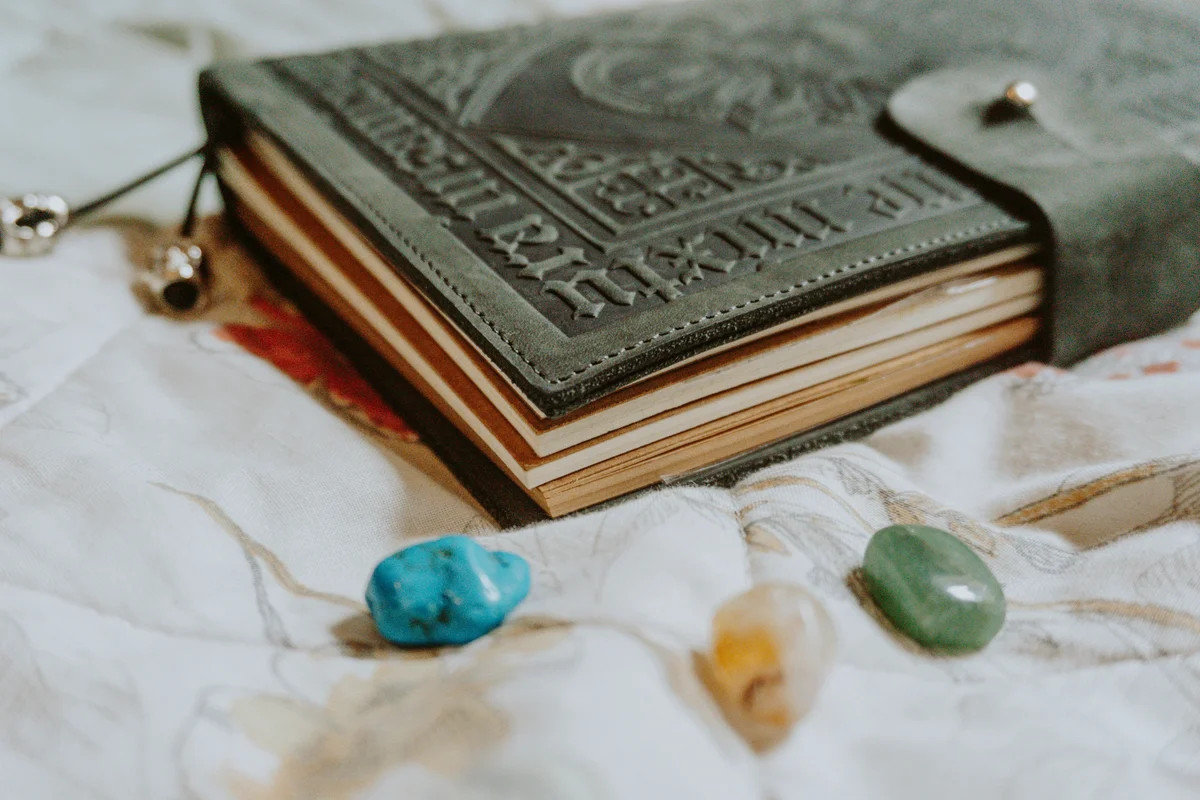
How to Start a Grimoire: Digital vs Paper, What Works Best?
Digital or paper. The question is which one you will actually use. A practical guide for solitary witches.
Grimoire vs Labyrinthos vs Co-Star: Which App Is Actually Built for Witches?
Three apps, three different ideas of what a spiritual practice needs. An honest comparison of Grimoire, Labyrinthos, and Co-Star for solitary witches.
Begin your practice
Grimoire is available now on Android and as a web app. Start today.